How the ASN Process Works for FCL and LCL Shipments
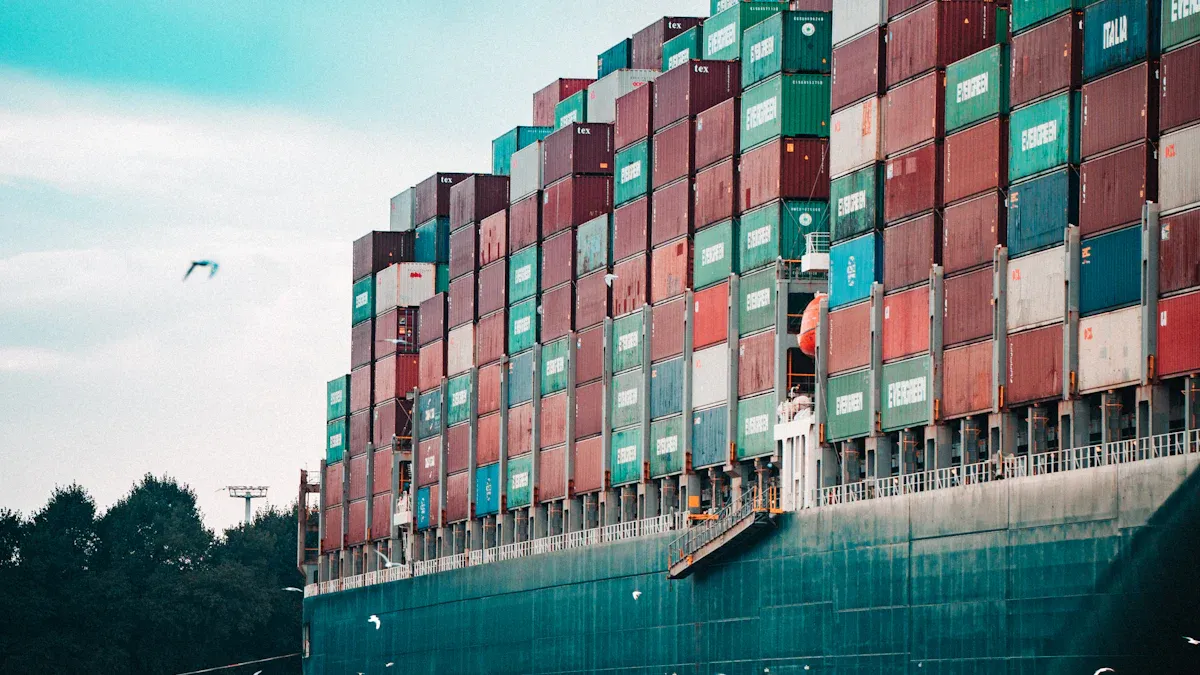
You use the asn process fcl lcl shipments to help your supply chain work well. An asn shows you what is inside each shipment before it gets there. When you send an advanced shipping notice for FCL or LCL cargo, your team gets ready to unload, check, and update inventory. This process helps you follow shipment details, check packing, and plan space in the warehouse. You save time and make fewer mistakes by sending asn details early.
Key Takeaways
An Advanced Shipping Notice (ASN) tells your team about shipments coming in. This helps your team get ready and use resources well.
Sending ASNs early helps lower mistakes. It also makes receiving shipments faster. This keeps your inventory correct.
For FCL shipments, one ASN is used for the whole container. LCL shipments need a different ASN for each shipper. This adds more details and makes things more complex.
Good communication and correct labels are very important for ASN processing. This helps logistics go smoothly and deliveries arrive on time.
Using digital tools and automation can make the ASN process better. It makes things faster and helps manage shipments more easily.
What Is an Advanced Shipping Notice (ASN)?
ASN Purpose in Ocean Freight
An advanced shipping notice, or asn, tells your team that goods are coming. In ocean freight, the asn helps you get ready before shipments arrive. The supplier, manufacturer, or fulfillment center sends the asn. This lets you know what is being shipped. The asn makes it easier to see what is coming and helps you plan for receiving, sorting, and storing items.
The asn is important for both FCL and LCL shipments. It gives you shipment details so you can plan staff, dock space, and equipment. The asn also lets you track items with barcodes and check the final order. This helps you keep your inventory system up to date.
Here is a table that shows what an asn does in ocean freight:
Function | Description |
|---|---|
Order Visibility | Tells you when the shipment will arrive and helps you track items with barcodes. |
Confirms the Final Order | Lets you check if the order is right and update your inventory. |
Inventory Management | Helps you get ready to receive, sort, and store goods. |
Key ASN Information
When you get an asn, you see important details about your shipment. These details help you match the shipment to your order and make sure everything is correct. You can use this information to plan space in your warehouse and set staff schedules.
Here are the main things you find in an asn for ocean freight:
Purchase order number to help you track the shipment
Shipment details like shipment date, delivery date, carrier name, and tracking number
Item information such as SKUs, product descriptions, quantities, and unit sizes
Packaging details like how many cartons, pallets, or the total weight
Logistics information, including transport type and special handling needs
Supplier and buyer contact details
Serial or lot numbers for tracking
Compliance data like country of origin and customs info
Shipment identification numbers
Carrier information and order references
You use these details to check shipments, get your warehouse ready, and keep your inventory records correct. The asn helps you manage your ocean freight shipments with confidence.
ASN Process for FCL Shipments
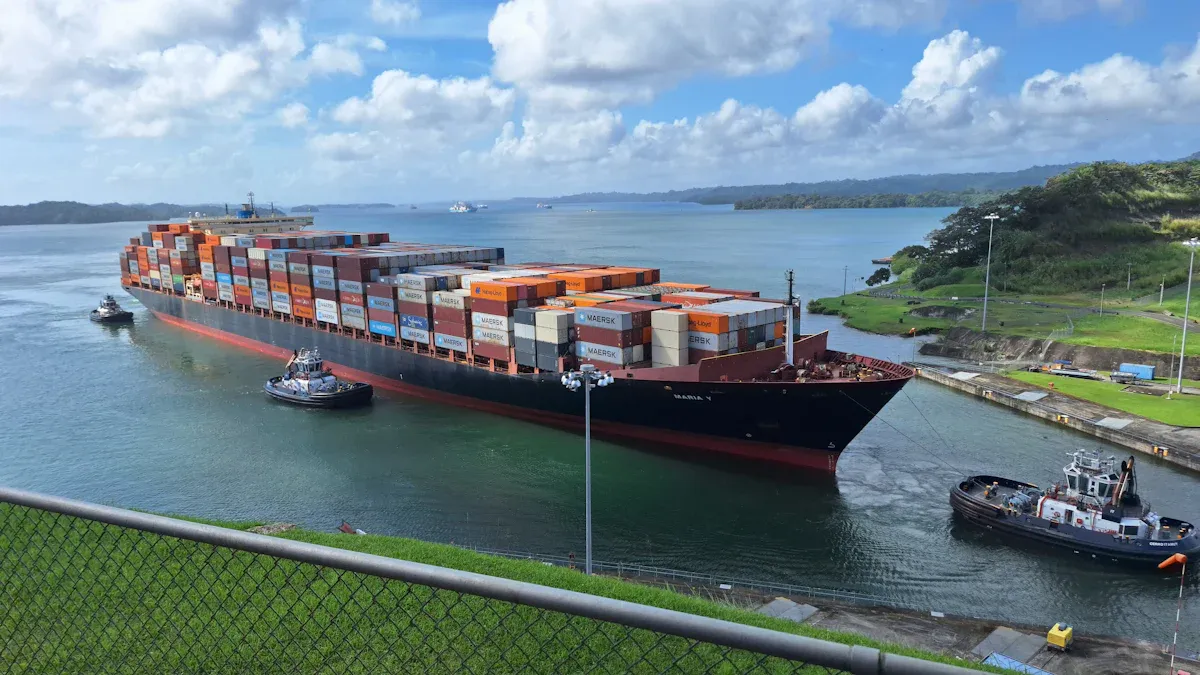
FCL ASN Step-by-Step
You must follow steps for the asn process fcl lcl shipments. For FCL, you handle one container for one buyer. This makes the process simple, but you need to check every detail. Here is how you finish the asn process for FCL shipments:
Order Confirmation and Planning
You get orders from your buyer. You check the order details and shipping dates. This step starts the asn process.Shipment Preparation
You collect all products and check SKUs. You get the goods ready for loading. You make sure everything matches the order.Quality Control and Booking
You check the finished goods for quality. Your team sends a booking request to the freight forwarder. You give details like container type, number, pick-up date, and delivery place.ASN Creation
You make the asn. You add shipment info like product descriptions, SKUs, quantities, container number, seal number, and tracking. You include all data the buyer needs.ASN Transmission
You send the asn before the shipment leaves. You can use EDI, XML, or your system. Sending early helps the buyer get ready.Container Loading and Documentation
You load goods into the container. You seal it and write down the seal number. You prepare papers like packing slips, bills of lading, invoices, and certificates of origin.Ocean Transit and Tracking
The container goes to the port and starts its trip. You give tracking updates so the buyer can watch the shipment.Pre-Arrival Planning
The buyer uses the asn process fcl lcl shipments to plan space and staff. The asn shows what is coming.Goods Receipt and Verification
When the shipment arrives, the buyer checks the goods with the asn. They check SKUs, quantities, and container numbers. They update inventory and report problems.Post-Receipt Checks and Invoice Matching
You and the buyer look for any mistakes. The asn process helps match the shipment to the invoice. This makes payment faster.
Tip: Always keep all papers ready for customs. This includes purchase orders, packing slips, bills of lading, and certificates of origin. Good paperwork keeps the asn process smooth and avoids delays.
Here is a table that lists the main papers you need for the asn process fcl lcl shipments:
Step | Description |
|---|---|
1 | Check finished goods for quality |
2 | Send booking to freight forwarder |
3 | Give container and shipping details |
4 | Forwarder prepares transport and papers |
FCL ASN Best Practices
You can make the asn process fcl lcl shipments better by following these tips:
Include Container and Seal Numbers
Always add the container and seal number in your asn. This helps the buyer track the shipment and check security.Match the Packing List to the ASN
Make sure the packing list matches the asn. Double-check SKUs, quantities, and shipment info. This lowers mistakes when the buyer gets the goods.Send ASN After Container Sealing
Send the asn after you seal the container. This makes sure the shipment info is correct.Use Clear Labels and Records
Label all cartons and pallets with SKUs and instructions. Keep records, including photos of the loaded container. This helps fix any problems.Automate the ASN Process
Use tools like EDI or warehouse systems. Automation makes the asn process faster and lowers mistakes.Plan for Regulatory Requirements
Check the rules for your shipping area. In the US, you must send asn data 24 hours before loading. Accurate and quick asn process fcl lcl shipments helps you avoid fines.Maintain Communication with the Retailer
Keep the buyer updated at every step. Share tracking and tell them about changes. Good communication builds trust and keeps the asn process working well.
Note: Good planning and following customs rules help you avoid extra charges and keep your shipping smooth.
By following these steps and tips, you make the asn process fcl lcl shipments clear and reliable. You give the buyer full details, lower mistakes, and speed up delivery and inventory updates.
ASN Process for LCL Shipments
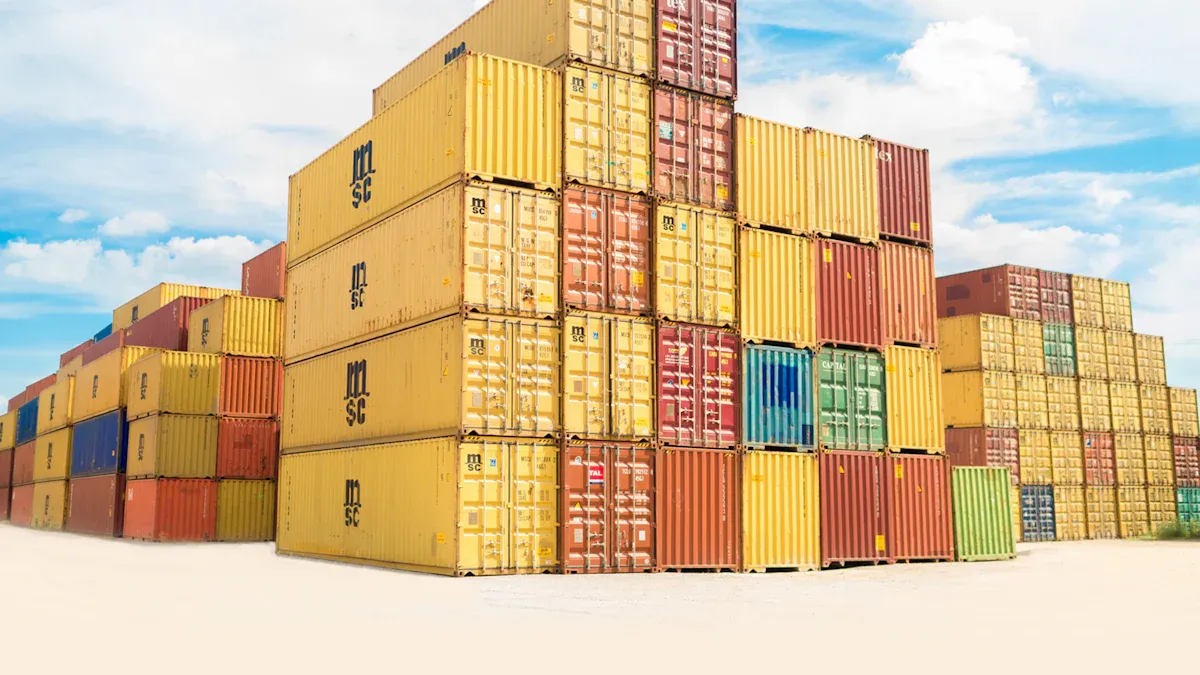
LCL ASN Step-by-Step
You use Less than Container Load (LCL) shipments for small orders. These shipments do not fill a whole container. Your goods travel with other shippers’ cargo. You must follow steps to keep your shipment safe and on time.
Cargo Consolidation
You take your goods to a warehouse or Container Freight Station (CFS). The freight forwarder puts your shipment with others. This saves money and uses space well.ASN Creation per Shipper
You make an ASN for your shipment. You add shipment details like carton or pallet count, SKUs, quantities, and weight. You include shipper and consignee information. Every shipper in the container needs their own ASN.ASN Transmission
You send your ASN to the retailer or warehouse before your goods leave the CFS. You use EDI or your logistics system. Sending early helps the retailer get ready for delivery.Container Loading
The freight forwarder loads all shipments into the container. You check that your cartons and pallets have clear labels. The forwarder notes how much space each shipment takes.Ocean Transit
Your container travels by sea to the port. You track your shipment with the ASN and get updates from your logistics provider.Pre-Arrival Planning
The retailer uses your ASN to get ready for delivery. They plan dock space, staff, and equipment using your shipment details.Goods Receipt
When your shipment arrives, the retailer checks the goods with your ASN. They check SKUs, quantities, and carton count. They update inventory and report any problems.
Tip: Always ask your freight forwarder at the CFS for a detailed receipt protocol. This helps you make sure your shipment was handled right.
ASNs help shippers, carriers, and consignees talk better. You share shipment details early, so everyone can plan. This makes logistics smoother and delivery easier.
LCL ASN Best Practices
You can make your ASN process for LCL shipments better by following these tips:
Clear Shipper and Consignee Information
You must add your name, address, and contact info, plus the retailer’s. This stops confusion during delivery.Carton and Pallet Breakdown
You list how many cartons and pallets are in your ASN. You describe what is inside each. This helps the retailer check and store your goods.Volume and Weight per Shipper
You report the total volume and weight of your shipment, including packaging. Accurate weight stops delays and extra charges.Match Consolidated Packing List
You make sure your ASN matches the packing list you give the freight forwarder. This lowers mistakes when the retailer gets your shipment.Proper Labeling
You label each item with SKUs and handling instructions. Clear labels help the retailer process your shipment fast.Timely Data Transmission
You send your ASN electronically before the VGM deadline, usually 24–48 hours before loading. This keeps your shipment on time.Regular Communication
You stay in touch with your freight forwarder and retailer. You check shipment status and cut-off dates. Good communication helps you avoid missed deliveries.Consult Customs Requirements
You check customs rules with your freight forwarder if your shipment is complex. This helps you avoid delays at the port.
Here is a table that shows the best ways to submit an accurate ASN for LCL shipments:
Best Practice | Description |
|---|---|
Accurate Weight Reporting | You report the weight of your shipment, including packaging and pallets, to avoid mistakes. |
Responsibility for Discrepancies | You pay for costs and delays if your weight is wrong. |
VGM Determination | The consolidator weighs the loaded container to get Verified Gross Mass (VGM). |
Timely Data Transmission | You send data electronically before the VGM deadline, usually 24–48 hours before loading. |
Consult Customs Requirements | You check customs rules with your freight forwarder for complex shipments. |
Detailed Protocol of Receipt | You ask for a detailed receipt protocol from your freight forwarder at the CFS. |
Proper Labeling | You make sure each item is labeled right for easy processing. |
Regular Communication | You keep in touch to check shipment status and cut-off dates. |
Note: Using ASNs for both FCL and LCL shipments can help you lower shipping and inventory costs. You get better visibility and planning, so you can improve shipping and use resources better.
You make logistics and delivery better by following these steps and tips. You help the retailer get orders faster and keep inventory correct. You also lower mistakes and avoid extra costs.
Key Differences: FCL vs LCL ASN Process
ASN Detail and Complexity
You work with FCL and LCL shipments in different ways. FCL shipments use one container for one shipper. You make one asn for the whole shipment. This keeps things simple. You only need to write down container numbers, seal numbers, SKUs, and how many items you have. You check that the packing list matches the asn. You send the asn after you close and seal the container.
LCL shipments mix goods from many shippers together. You must make a separate asn for each shipper. Each asn needs more details. You write down how many cartons and pallets there are. You add SKUs, quantities, and shipper information. You also track the size and weight for every shipment. This makes the process harder. You check that each asn matches the big packing list. You put labels on every item so it is easy to sort at the warehouse.
Tip: You can use a table to see how much detail and work FCL and LCL shipments need.
Feature | FCL Shipments | LCL Shipments |
|---|---|---|
Number of ASNs | One per container | One per shipper |
Detail Level | Container, seal, SKUs | Carton, pallet, SKUs, weight |
Complexity | Lower | Higher |
Warehouse and Planning Impact
You get your warehouse ready in different ways for FCL and LCL shipments. FCL shipments come as one big unit. You plan dock space and staff for just one container. You unload and check the goods using the asn. This makes receiving fast and easy.
LCL shipments need more planning. You get mixed goods from many shippers. You use each asn to sort and find space for every shipment. You plan for staff to handle more than one delivery. You check each carton and pallet with the asn. This helps you stop mistakes and keep your inventory right.
Note: Careful planning for LCL shipments helps you stop delays and confusion at the warehouse.
You make your logistics better by knowing these differences. You pick the right process for your shipment type. This keeps your supply chain working well.
ASN Process Benefits and Best Practices
Supply Chain Visibility
Advanced shipping notification helps you see your orders better. You get details about each shipment before it gets to you. This lets you know what is coming soon. You can plan how much space you need. You also know which staff to schedule. Warehouse teams get ready to unload and check shipments. This makes receiving faster. You compare shipment details with your order. This helps you find mistakes early. You avoid delays and save money. You also see shipping schedules. This helps you plan for delivery and use resources well.
You get shipment notifications with item details and delivery dates.
You plan resources well because you know what is coming.
You lower mistakes by checking notification data with your order.
You save money by making receiving easier and using less labor.
Inventory and Receiving Efficiency
Advanced shipping notification helps you manage inventory better. You track goods as they move and spot problems before they arrive. You get staff and steps ready, so receiving is quicker. You check shipments against notification details. This helps you find differences early. You keep stock levels right and avoid having too much or too little. You build trust with suppliers by sharing correct shipment information on time.
Benefit | Description |
|---|---|
You track goods as they move and spot problems early. | |
Faster Receiving Process | You get staff and steps ready, so you have fewer delays. |
Reduced Errors and Discrepancies | You check shipments against notification details and find mistakes early. |
Better Inventory Management | You keep stock levels right and stop shortages or extra stock. |
Enhanced Supplier Relationships | You build trust by sharing shipment information on time and correctly. |
Cost Savings | You spend less by working faster and making fewer mistakes. |
ASN Compliance Tips
You keep your advanced shipping notification process strong by following good steps. Send notifications as soon as your shipment is ready. Use a standard format like EDI 856. This includes order number, shipment number, shipping date, delivery date, addresses, item details, packaging, and carrier information. Track compliance by checking delivery times and notification accuracy. Teach your team what notifications need. Use ERP systems to automate the process. Make your steps for sending and getting notifications the same every time. Check how well you are doing and look for ways to get better.
Tip: Always add carrier and voyage details in your notification. This helps you and your partners track shipments and plan for delivery.
Send notifications on time for every shipment.
Use correct and full data in your notification.
Pick a standard format like EDI 856 to keep things the same.
Add all shipment and delivery details.
Check compliance rates and teach your team often.
By following these steps, you make your supply chain stronger. You see orders better, receive shipments faster, and keep inventory right. You also follow rules and build better relationships with your partners.
You make ocean freight work better by using ASNs for FCL and LCL shipments. When you send ASNs on time and with the right details, you can plan warehouse space well. You get your team ready and keep track of inventory easily. ASNs also help with customs and make your supply chain clearer.
You use storage space well and stop slowdowns.
You get your team ready for new shipments and make receiving faster.
You use digital freight tools and automation to make your ASN process better.
Check your ASN steps often and follow good tips to keep your logistics working well.
FAQ
How does ASN help with shipment tracking?
You use ASN to see where your goods are before they arrive. ASN gives you updates about your shipment, so you can follow each step and know when to expect delivery.
What details should I include in an ASN for supply chain management?
You should add product codes, quantities, carton or pallet counts, and contact information. These details help you organize your supply chain management and keep your warehouse ready.
How do I check tracking information for my ocean freight shipment?
You can check tracking information by using the container number or bill of lading. Your ASN will show these numbers, so you can follow your shipment from port to warehouse.
When will I know the delivery date and time for my shipment?
You find the delivery date and time in your ASN. This lets you plan staff and space in your warehouse, so you get ready before the shipment arrives.
What is the difference between FCL and LCL ASN processes?
You use one ASN for FCL shipments, which cover a full container. For LCL shipments, you create separate ASNs for each shipper. LCL ASNs need more details for sorting and receiving.
See Also
Comprehensive Ocean Export Services for FCL and LCL Shipments
Navigating the LCL Export Process to Panama with PGL
Key LCL Shipping Steps for Exporting to Panama with PGL
